AIOBoost
Google Just Shipped A "Follow Me" Button For Websites.
Watch the demo
Your video will appear here. Paste the embed code when you're ready.
99% Of Site Owners Have No Idea It Exists. The Other 1% Don't Know How To Install It.
Here's what happened.
Google quietly launched a feature called Preferred Sources. A reader hits one button and tells Google: "I want more from THIS site." From that point on, your content can carry a "preferred" badge in Top Stories, AI Overviews, and AI Mode.
That's not a rumor. That's not a growth hack. That's Google's own documentation.
And it's live right now, globally, in every language Top Stories runs in, plus every language and locale AI Mode and AI Overviews run in.
Google built the lever. Almost nobody is pulling it.
Why? Because installing the button means reading developer docs, writing JavaScript, and knowing the difference between a domain, a subdomain, and a subdirectory that doesn't even qualify.
We built AIOBoost so you skip every bit of that.
Paste your URL. Get your code. Live in under 60 seconds.
The Problem
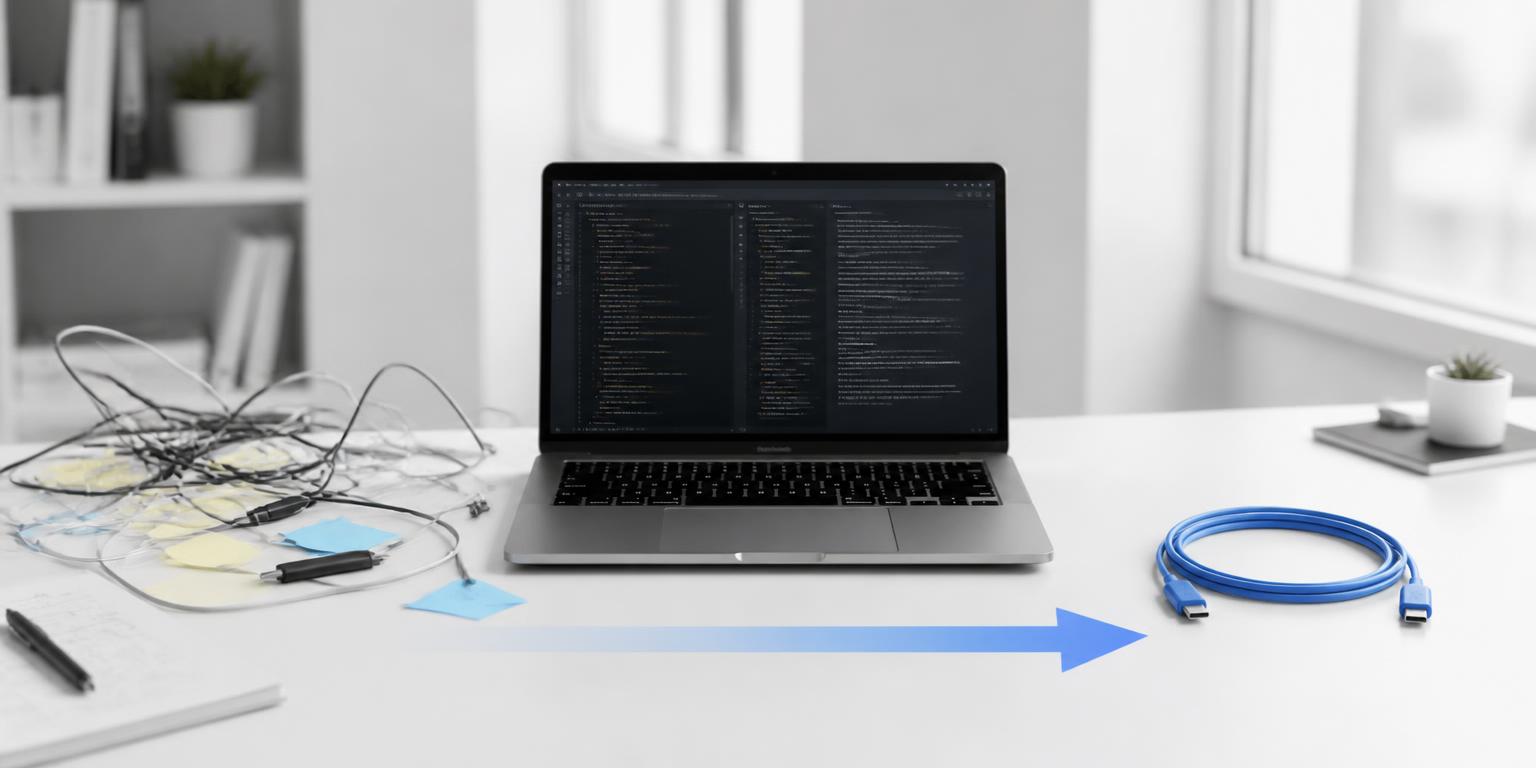
Google didn't make this easy. To install Preferred Sources yourself, you'd need to:
- Read Google's developer documentation, start to finish
- Know the correct JavaScript implementation (there are three, not one)
- Understand why example.com qualifies but example.com/blog does not
- Build the deeplink correctly, character for character
- Set the right attributes for theme and language
- Handle light mode and dark mode separately
- Figure out where on your site this thing even belongs
None of that is hard because it's complicated. It's hard because it's tedious, and tedious is where good intentions go to die.
So here's what actually happens: you read the announcement, think "I should do that," and then never do it. Meanwhile every reader who finishes your best article and thinks "these guys get it" has no way to raise their hand and say so.
You already did the hard part. You earned their attention. You're leaving the follow-up on the table.
The Fix
AIOBoost turns an hour of technical work into three clicks.
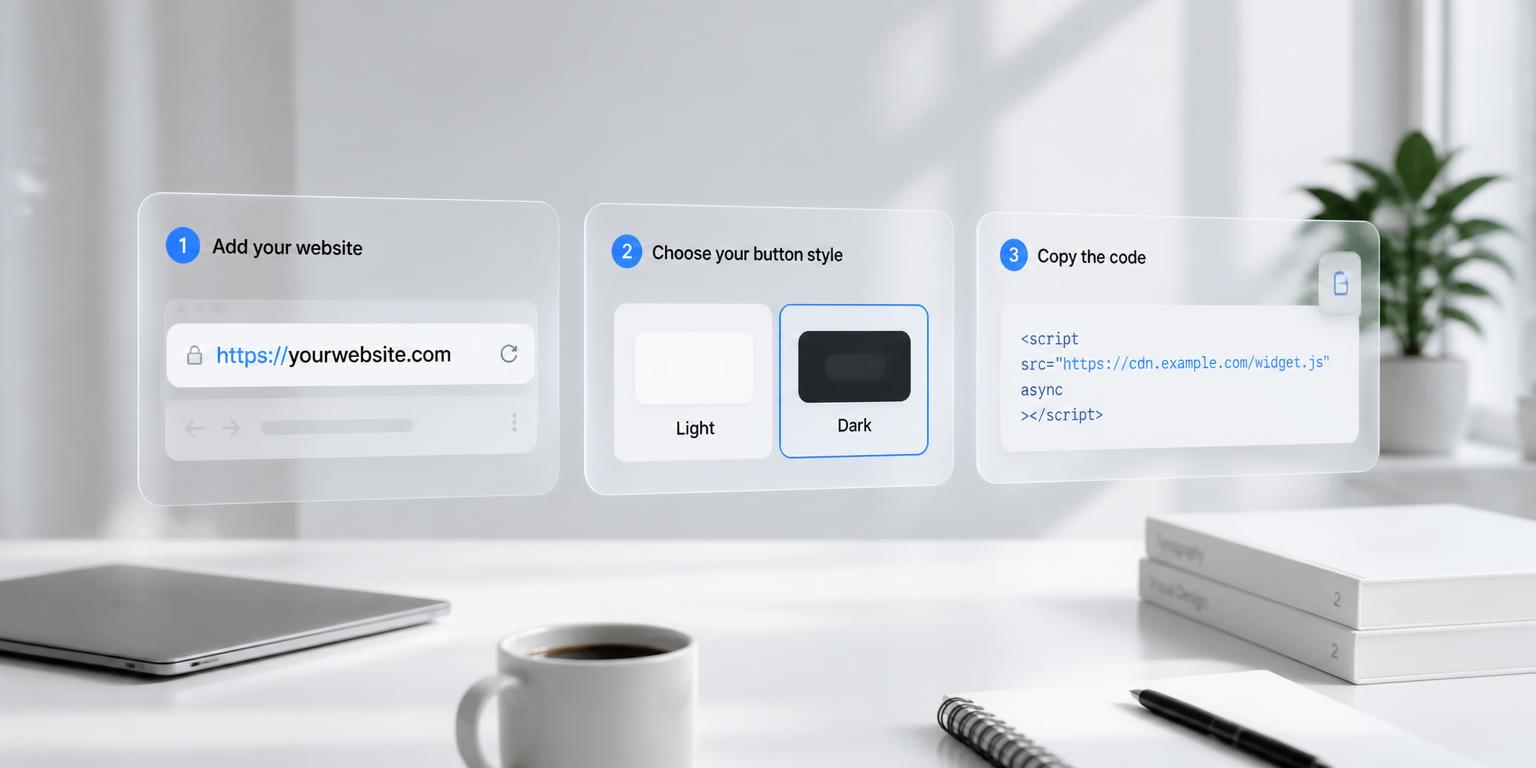
Step 1
Paste your URL
Homepage, blog post, product page, doesn't matter. AIOBoost automatically resolves it to the correct eligible domain or subdomain.
Step 2
Pick your style
Google's standard button, an advanced custom-branded version, or a plain deeplink for sites that can't run JavaScript. Light or dark theme, either way.
Step 3
Copy your code
Paste it into your site. You're live.
No developer. No plugin bloating your dashboard. No API key. No AI credits burned. A URL goes in. Working, correct code comes out.
Why This Actually Matters
Every site owner has been asking the same question for years:
"How do I get Google to show more of my content?"
Preferred Sources flips that question on its head:
"How do I get my readers to tell Google THEY want more of MY content?"
That's not a ranking trick. That's a trust signal, sent by a human who already read your work, using their own hand, not an algorithm's best guess.
If someone finishes your article and thinks "this site actually knows what it's talking about," you now have a way to capture that moment. Right now, you're just losing it the second they close the tab.
What The Feature Actually Does
Straight from Google, not our opinion.
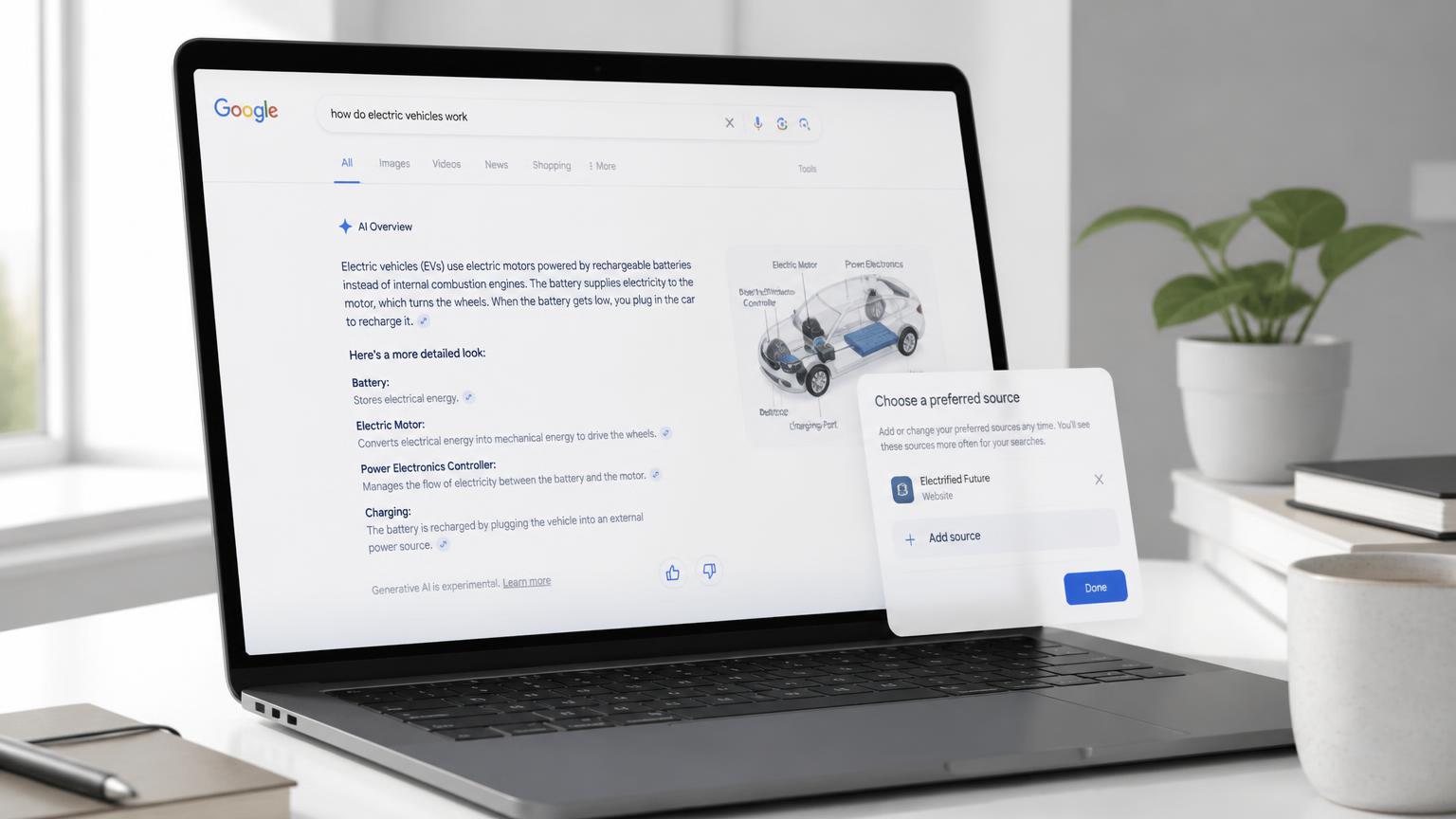
Readers get a "preferred" badge on your content
Google states that when a user selects your site, your content is more likely to appear in Top Stories with a "preferred" badge, and can carry that badge in AI Mode and AI Overviews too.
It's live everywhere, right now
Available globally for Top Stories in every language Search runs in, and in AI Mode and AI Overviews everywhere those features exist.
Only domains and subdomains qualify
Google's own example: example.com and code.example.com are eligible. example.com/blog is not. Paste any URL into AIOBoost and it resolves to the correct eligible root for you.
There are exactly three official install methods
Standard JavaScript (Google's recommended path), Advanced JavaScript with custom design assets, and a Deeplink for CMSs that can't run the button. AIOBoost builds all three.
Theme and language are documented, controllable options
Light or dark theme, plus a language override, otherwise auto-localized. AIOBoost sets these for you so you never touch an attribute doc.
We don't implement anything Google doesn't document. We just implement it fast, and we implement it correctly.
Where To Put It (And Where Not To)
Don't slap this on every page. That's not the play.
Put it after content that already earned it:
- Your best article
- Original research
- A genuinely useful guide
- Expert commentary
- A detailed case study
- Anything people already come back and ask you for more of
Give value first. Ask for the preference second. That order is the whole game.
The Value Stack: What You Get For One URL
| What you get | Why it matters |
|---|---|
| Standard JavaScript Button | Google's own recommended implementation, generated correctly, every time |
| Advanced JavaScript + Custom Assets | The button matches your brand instead of Google's default look |
| Deeplink Version | Works when you can't run JavaScript, plus in newsletters and social posts |
| Light & Dark Themes | Set automatically, no attribute-hunting |
| Language Override & Auto-Localisation | Shows the right language by default, pin one when you need to |
| Automatic Domain Detection | Paste any URL, get the correct eligible domain or subdomain |
| Plain-English Install Instructions | Written for your actual platform, not a generic dev audience |
| Copy-Paste Code | No editing. No guessing where it goes. |
One tool. Every official path Google documents. All covered.
Who This Is Built For
You don't need to know JavaScript.
You don't need to know what a DOM is.
You don't need an API key.
You don't need another plugin sitting in your WordPress dashboard collecting dust.
You need one thing: a URL.
This is built for:
- SEO consultants who want a new line item every client actually notices
- Agencies looking for one more reason clients stick around
- Bloggers and publishers who want loyal readers to raise their hand
- Local businesses turning expertise into something customers can follow
- Affiliate marketers building repeat readership Google can actually see
- Content marketers who want to capitalize on their strongest pages
- Web designers adding a five-minute service nobody else is offering yet
No, This Isn't An "AI" Tool Burning Your Credits
Despite the name, AIOBoost doesn't touch a language model to generate your code.
It's deterministic. URL in, correct implementation out. Every single time.
No API keys. No waiting on a model to think. No hallucinated code you have to double-check before you paste it into your live site.
One tool. One job. Done correctly, instantly.
What This Would Actually Cost You Otherwise
Hire a developer to do this properly and you're paying for hours of billed time just for them to read the documentation, before they've written a line of code.
Bring in an agency and you're paying a retainer for a five-minute job.
Try it yourself and you're burning an afternoon on JavaScript attributes and domain logic instead of running your business.
AIOBoost is $9.97. One time. No subscription.
Not $9.97 a month. Not a charge you forget about until your card statement reminds you. Pay once, generate unlimited codes, for every site and every page you own, forever.
That's less than the coffee you'll drink while your developer is still reading page one of Google's docs.
The Only Question Left
Google built the feature.
Your readers are already willing to make the choice.
The only thing missing is you making it easy for them to make it.
Enter your URL. Get your code. Give them the button.
No coding experience required. No subscription. No recurring charge.